Skip to content

How NEF 3D works

What each tool takes and gives back, how the engine picks a model, the Editor run on a real sample, and how your files are handled.

How it works

What happens after Continue

Four steps, and you can stop after any of them.

Show the steps for
  1. Step 1

    Add your photo

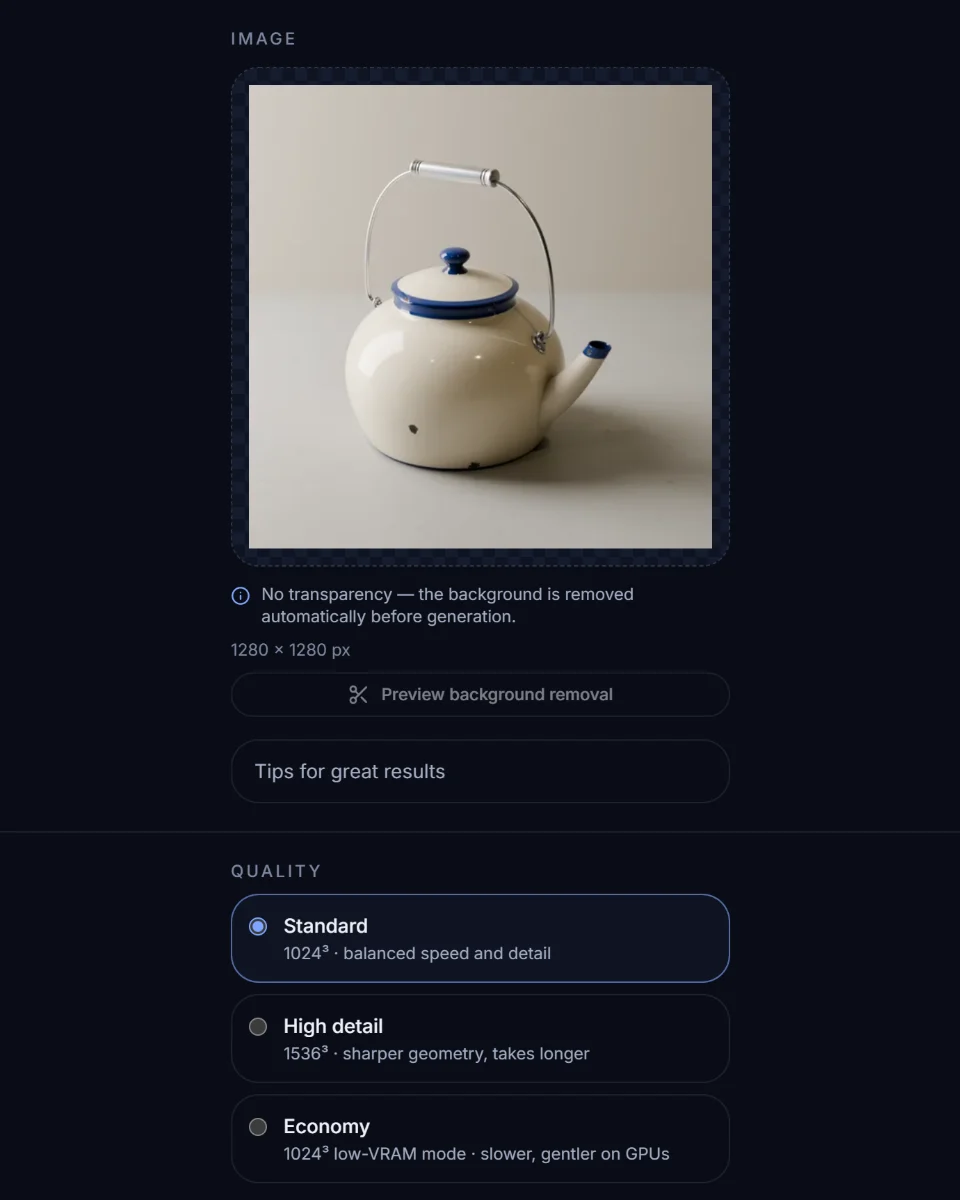
    Sign in if asked. The studio then uploads the photo privately and removes the background; transparent PNGs are used as-is.

  2. Step 2

    Generate

    Choose a quality and press Generate. The credit cost is shown first, and credits come back if the job fails or you cancel it.

    Right now Standard costs 20 credits.

  3. Step 3

    Check and download

    Follow progress live, then orbit, relight and measure the model and download GLB. Other formats come with the plans that include them.

  4. Step 4
    Optional

    Refine in the Editor

    Retopologise, simplify, compress or convert. Tools that change the model save a new version and keep the original.

Tools

Pick the tool that fits what you have

Three ways to make a model and one Editor to refine it. Each card shows what the tool takes, what it gives back and whether it's ready on this site.

The Image to 3D screen in the NEF 3D studio, with a photo ready and the quality options shown.Studio screen

Ready from 20 credits

Image to 3D

One photo of one object becomes a GLB with PBR materials: base colour, metallic and roughness. The background is removed for you; transparent PNGs are used as-is.

In
One photo · PNG, JPG or WebP · up to 20 MB
Out
GLB · PBR materials
Diagram

From Creator from 30 credits

Multi-view to 3D

Add square photos of one object from different sides. With more sides in view, less of the shape has to be inferred.

In
Square photos · up to 8 · front first
Out
One GLB · PBR materials

Included from the Creator plan. You can add photos here, but generating needs that plan.

Diagram

Setup required

AI Concept

Write a short description of one object. The connected image generator draws a concept image, and the NEF engine turns that image into a model.

In
3–600 characters
Out
Concept image, then a GLB

Needs an image generator connected by the site admin, or your own OpenAI key added in Account.

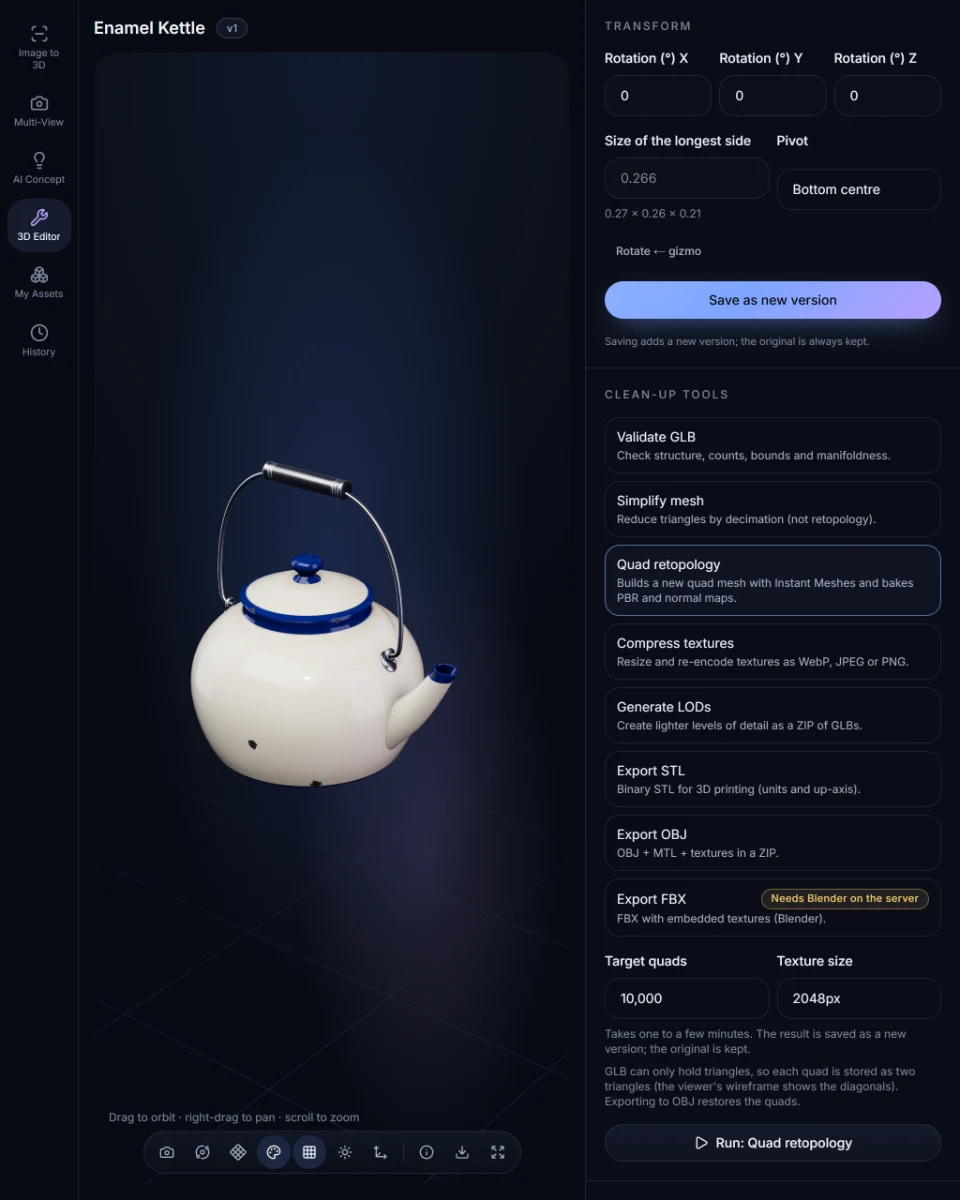
The 3D Editor in the NEF 3D studio with the Enamel Kettle sample loaded and Quad retopology selected.Studio screen · sample model

Ready

3D Editor

Check, clean up and convert any model in My assets: validate, normalise, simplify, quad retopology, texture compression, LODs and format conversion.

In
A model in My assets
Out
A new version, or extra files (OBJ and STL)

Engine

How the NEF engine picks your model

What happens between Generate and the file you download.

  1. Reconstruction

    1. Your photo
    2. One reconstruction
    3. Checked GLB

    Your photo is reconstructed once at the chosen resolution. Before it's saved, the file is checked against format and size limits.

Quality modes on this site
ModeResolutionCost
Standard1024³20 credits
High detailFrom Creator1536³30 credits
EconomyLow-memory mode1024³20 credits

Generators: Pixal3D by TencentARC (MIT licence). NEF 3D is an independent service and is not affiliated with or endorsed by their authors. Licence notices

3D Editor

The Editor, run on a real sample

Each figure and image below comes from running the real Editor operations on our hand-built Enamel Kettle sample.Tools that change the model save a new version and keep the original. Validate, LOD and Convert add a report or files without changing the model.

Measured Oct 25, 2026 · NEF engine 0.1.0

Works on any model in My assets.

Quad retopology

From Creator4 credits

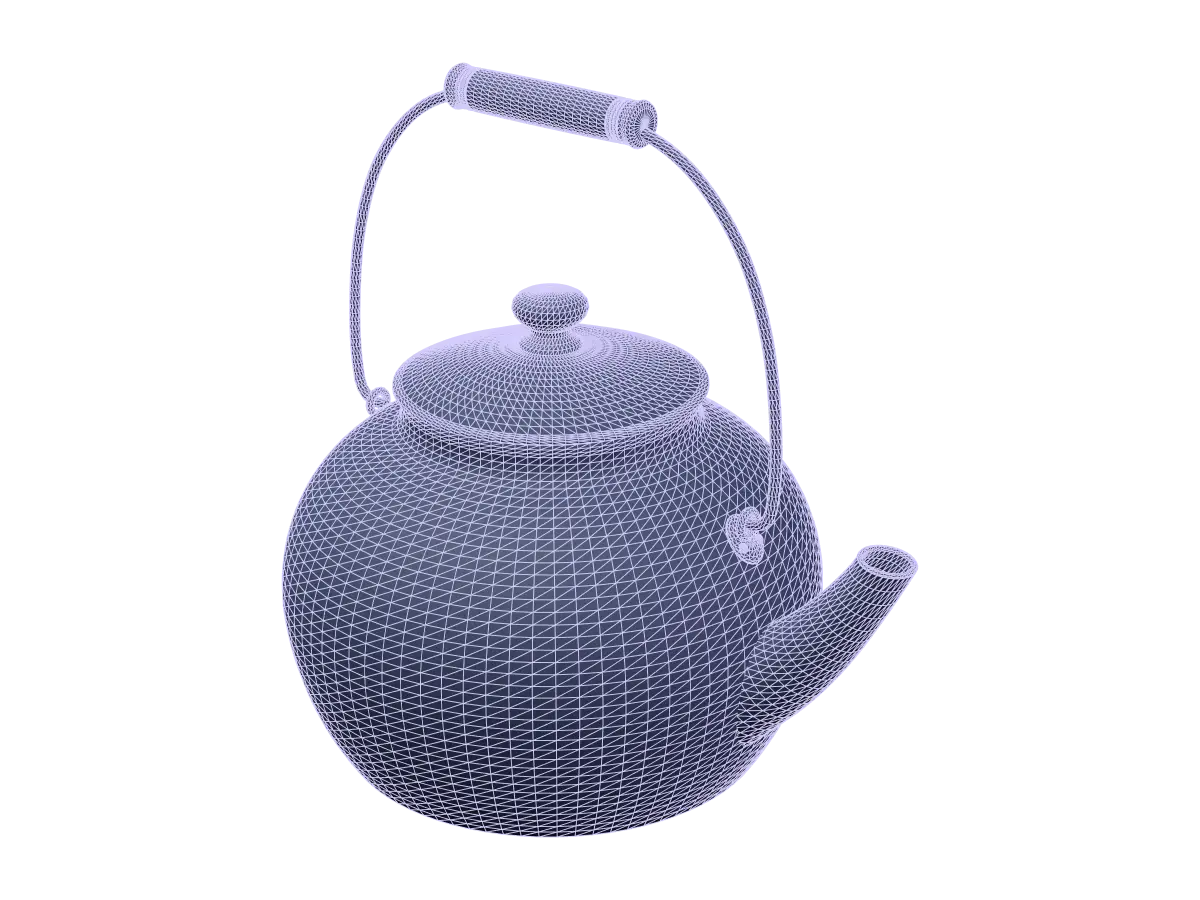
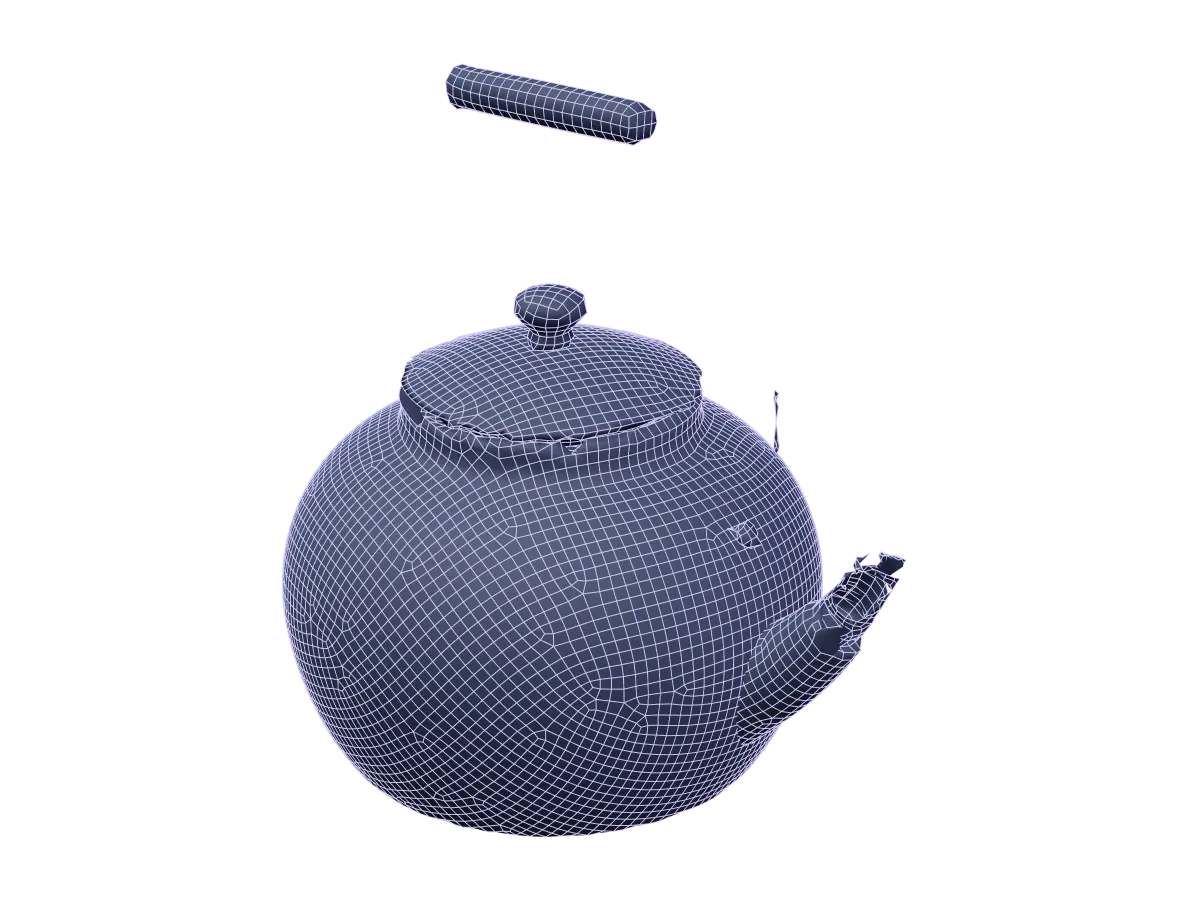
Rebuilds the surface as quads, unwraps new UVs and bakes PBR textures at 1024, 2048, or 4096 px.

Parts thinner than about two quads, such as wires, thin rims and small rivets, can be lost or torn, as on this sample.

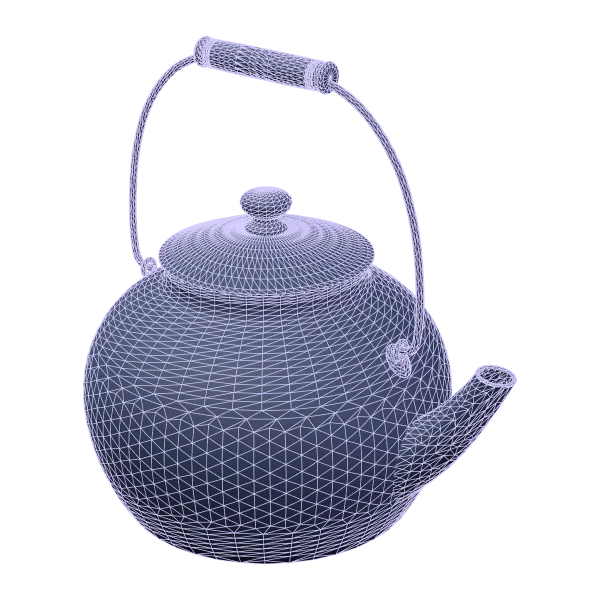
Original · trianglesQuad retopology
Sample · real Editor output

Two renders of the Enamel Kettle sample from the same camera. Left: the original mesh, drawn as triangles. Right: the quad retopology result, drawn as quads.

Show
Quads
9,478 (target 10,000)
Texture size
2048 px
Maps baked
Base colour, Metal/rough, and Normal
Quads kept in OBJ
93% on this sample

Simplify

2 credits

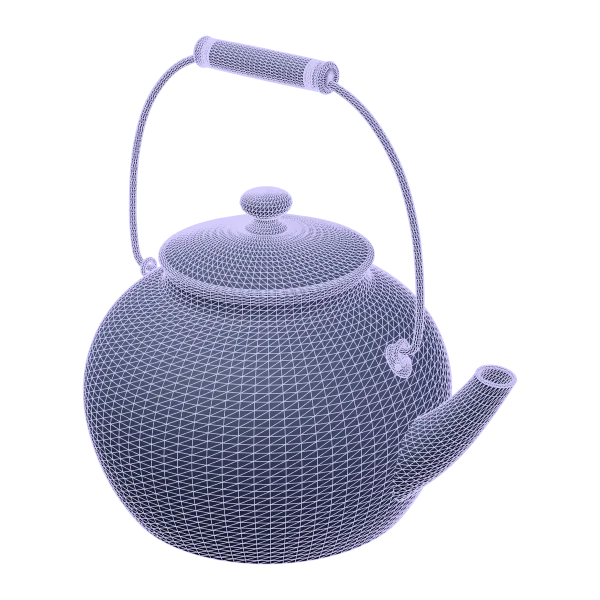
Removes triangles to make the file lighter, and can re-bake the textures onto the lighter mesh. The mesh stays made of triangles: Simplify is not retopology.

  • Triangles 23,724 → 11,862
  • Kept 50%
  • Textures re-baked
Before
After
Sample · real Editor output

Validate

Free

Reports what the mesh is. It doesn't change or repair anything.

Watertight
Yes
Open edges
0
Non-manifold edges
0
Degenerate triangles
0
Triangles
23,724
Surface area
0.189 m²

From a real Validate run on the Enamel Kettle sample

Normalise

1 credit

Centres the model, rests it on its base, scales it to the size you set and applies the rotation you choose. The mesh itself isn't changed.

Any size, any positionCentred, sized, on the floor
Diagram

Compress textures

2 credits

Resizes textures to 512–4096 px and re-encodes them as WebP, JPEG, or PNG.

  • Textures 2048 px WebP → 1024 px WebP
  • File 710 KB → 621 KB

LODs

From Creator4 credits

The original plus three lighter GLB levels (50%, 25% and 10% of the triangles), packed in one zip.

  • LOD0 · 23,724 tris
  • LOD1 · 11,860 tris
  • LOD2 · 5,930 tris
  • LOD3 · 2,370 tris

Trust

The fine print, up front

What the engine won't do, and how your files are handled. Each point links to the clause that says it formally.

What the engine won't do

  • Hidden sides are inferred

    From one photo, the sides the camera can't see are inferred. Add more sides with Multi-view to leave less to guess.

  • Generation never fills holes

    The cleanup after generation removes specks but never fills holes. Validate reports open edges so you can close them in your own tool.

  • Simplify isn't retopology

    Simplify lowers the triangle count. Only Quad retopology rebuilds the surface as quads.

  • No rigging or animation

    Models come out static. Rig and animate them in your own 3D software.

  • No promised wait time

    It depends on the quality mode and the queue. Progress is shown live, and the job keeps running if you leave.

  • You still review the result

    Generated models can be inaccurate. Check them before printing or manufacturing.

    Read the source for “You still review the result”: Terms §5

Your files, your call

AI Concept sends your text to the configured image provider. Read the source for “AI Concept sends your text to the configured image provider.”: Privacy §4

Essential cookies only: session, security and language. No advertising cookies. Read the source for “Essential cookies only: session, security and language. No advertising cookies.”: Privacy §8

This page loads no advertising or analytics trackers.