Start from a photo.Finish with a 3D file.
Upload a photo, or several sides of one object, and get a textured 3D model.
Start a model
Square photos of one object, taken from the same distance. Start with the front; the studio takes up to 8.
Front · Required
Right · 90°
Back · 180°
Left · 270°
AI Concept isn't connected yet
It needs an image generator, which the site admin connects. Until then there's nothing to type here.
Have your own OpenAI key? Add it in Account to use AI Concept with it. It's stored encrypted and used only for your requests.
- Private by default
- GLB · OBJ · STL
- Nothing to install
- Quad retopology in the Editor
Try the viewer

- File size
- 133 KB
- Image to 3D
- Multi-view to 3D
- AI Concept
- 3D Editor
- Share links you control
- Short-lived file links
- Not used for training
- Photo metadata removed
Explore sample models
Pick one to rotate it in 3D. They are free CC0 models or ones we built by hand, not AI results.
 Sample · not AI
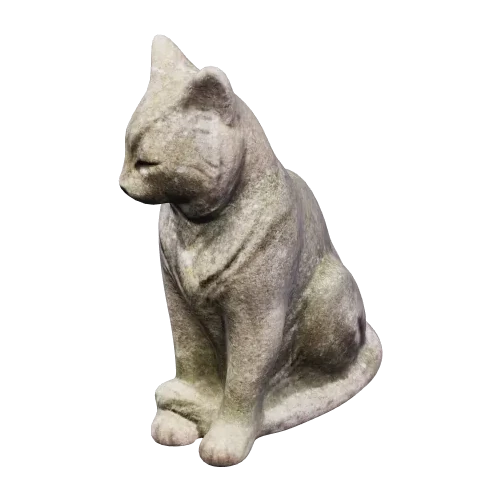 Sample · not AI
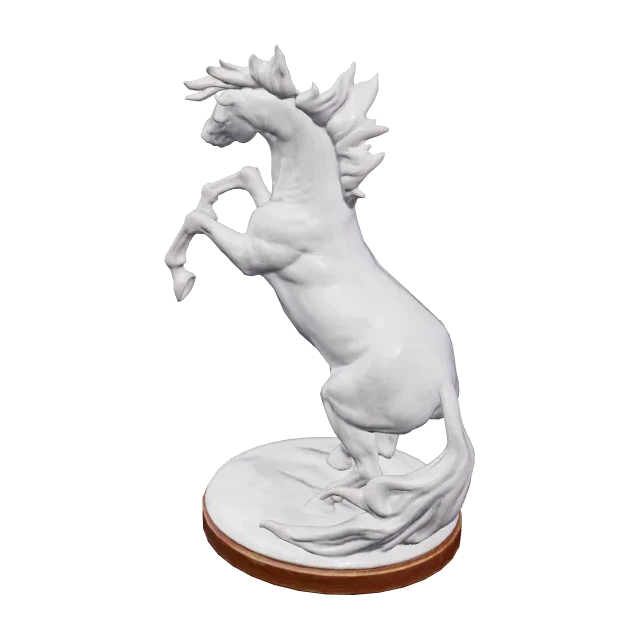 Sample · not AI
 Sample · not AI
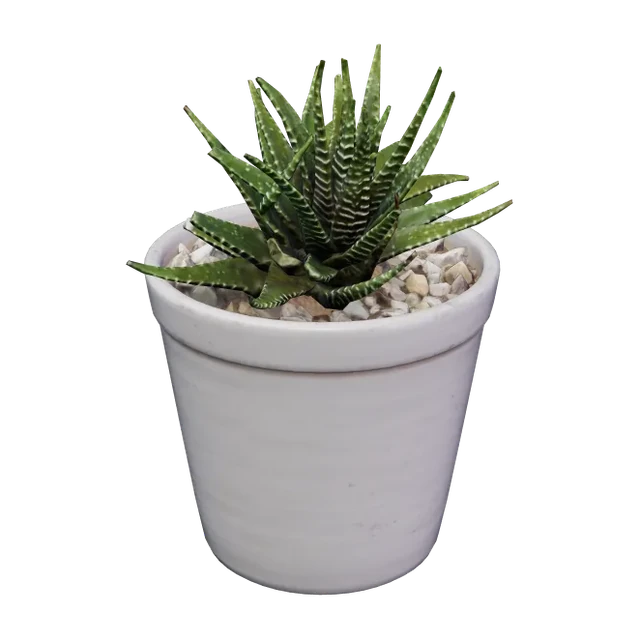 Sample · not AI
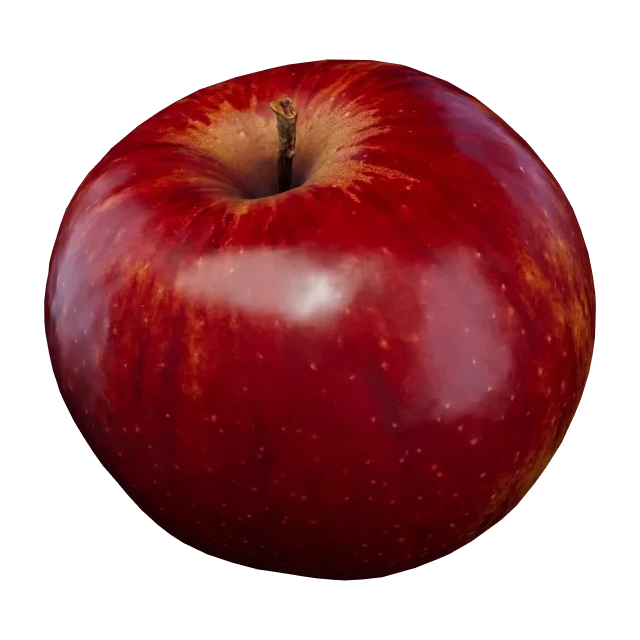 Sample · not AI
 Sample · not AI
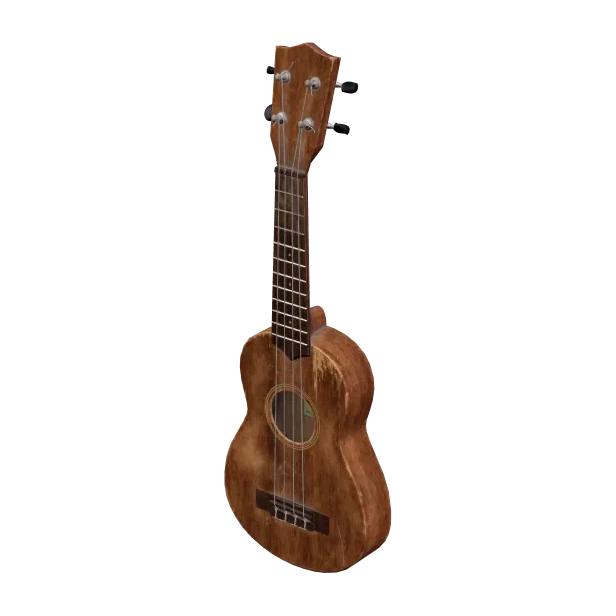 Sample · not AI
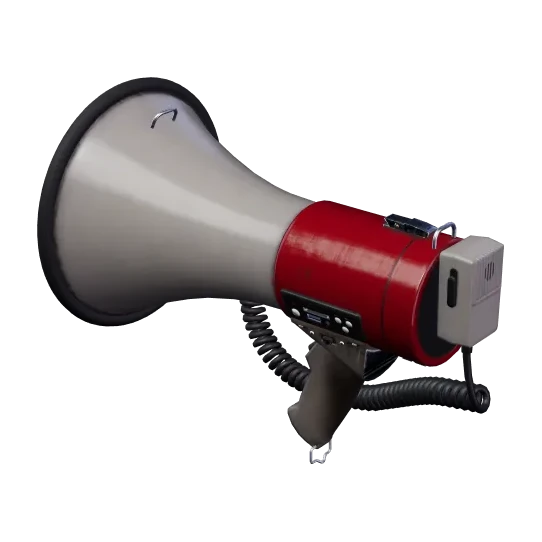 Sample · not AI
 Sample · not AI
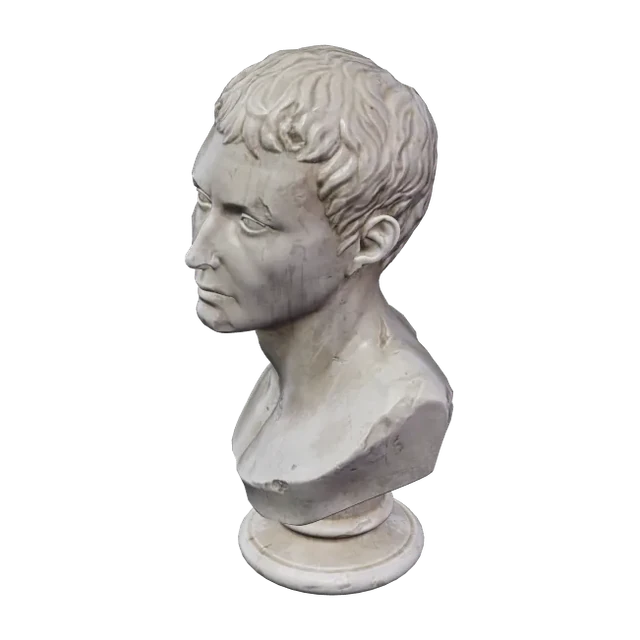 Sample · not AI
 Sample · not AI
 Sample · not AI
 Sample · not AI
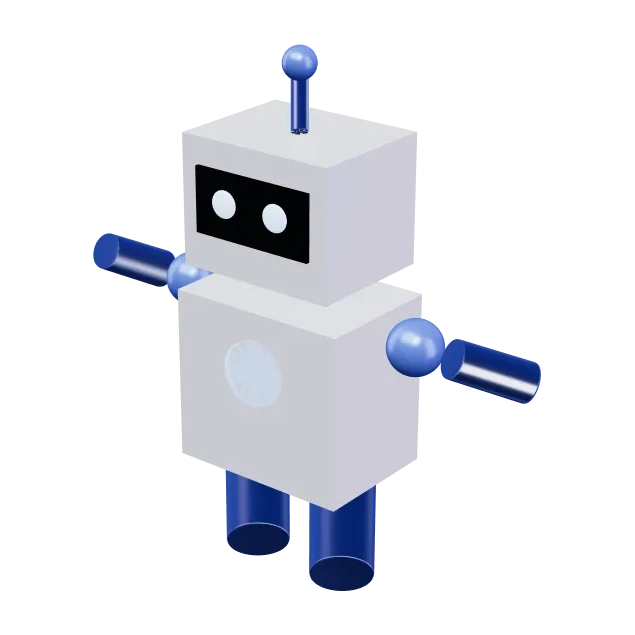 Sample · not AI
 Sample · not AI
CC0 models from Poly Haven, plus models we built by hand.
From photo to 3D in three steps
Add a photo
One object, fully in frame, on a plain background works best.
Make it 3D
Pick a quality and press Generate. You see the cost before it starts.
Download and use
Check it in the 3D viewer, refine it in the Editor if you like, and download a GLB.
Make 3D your way
See each tool in detailReady from 20 credits
Image to 3D
One photo becomes a textured 3D model.
Open Image to 3DFrom Creator from 30 credits
Multi-view to 3D
Photos from several sides, so less of the shape is guessed.
Open Multi-viewSetup required
AI Concept
Describe an object in words; a concept image becomes a model.
How AI Concept worksReady
3D Editor
Check, clean up and convert the models in My assets.
Open the Editor
Start on the free plan
Every job shows its credit cost before it starts. Credits are spent only when a result is delivered, and they come back automatically if a job fails or you cancel it. Read the source for “Plans and credits”: Terms §6
The Free plan includes 60 credits a month.
Compare plansQuestions, answered
More in HelpThe fine print, up front
- Private by default
- Not used for training
- Unused uploads deleted
This page loads no advertising or analytics trackers.
Ready when your photo is.
Drop it here to carry it into the studio, or open the studio and start there. Private by default, nothing to install.